Via Azure CLI
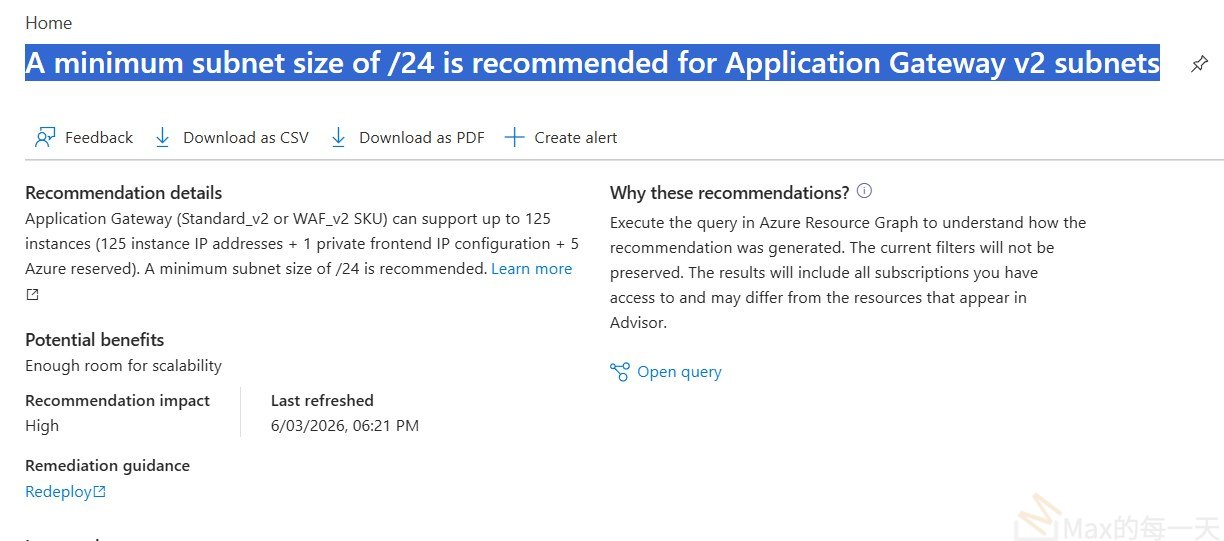
# Add new /24 subnet
az network vnet subnet create \
–resource-group rg-spoke-paas \
–vnet-name \
–name snet-appgw-new \
–address-prefix 10.x.x.0/24
# Then update AGW to use new subnet
az network application-gateway update \
–name agw-stg-jpe-001 \
–resource-group rg-spoke-paas \
–set gatewayIPConfigurations[0].subnet.id=
Note: AGW subnet IP update via CLI may require a stop/start cycle. Plan for downtime or use blue/green deployment.
Would you like help calculating an available /24 block in your VNet, or generating the full ARM/Bicep template?