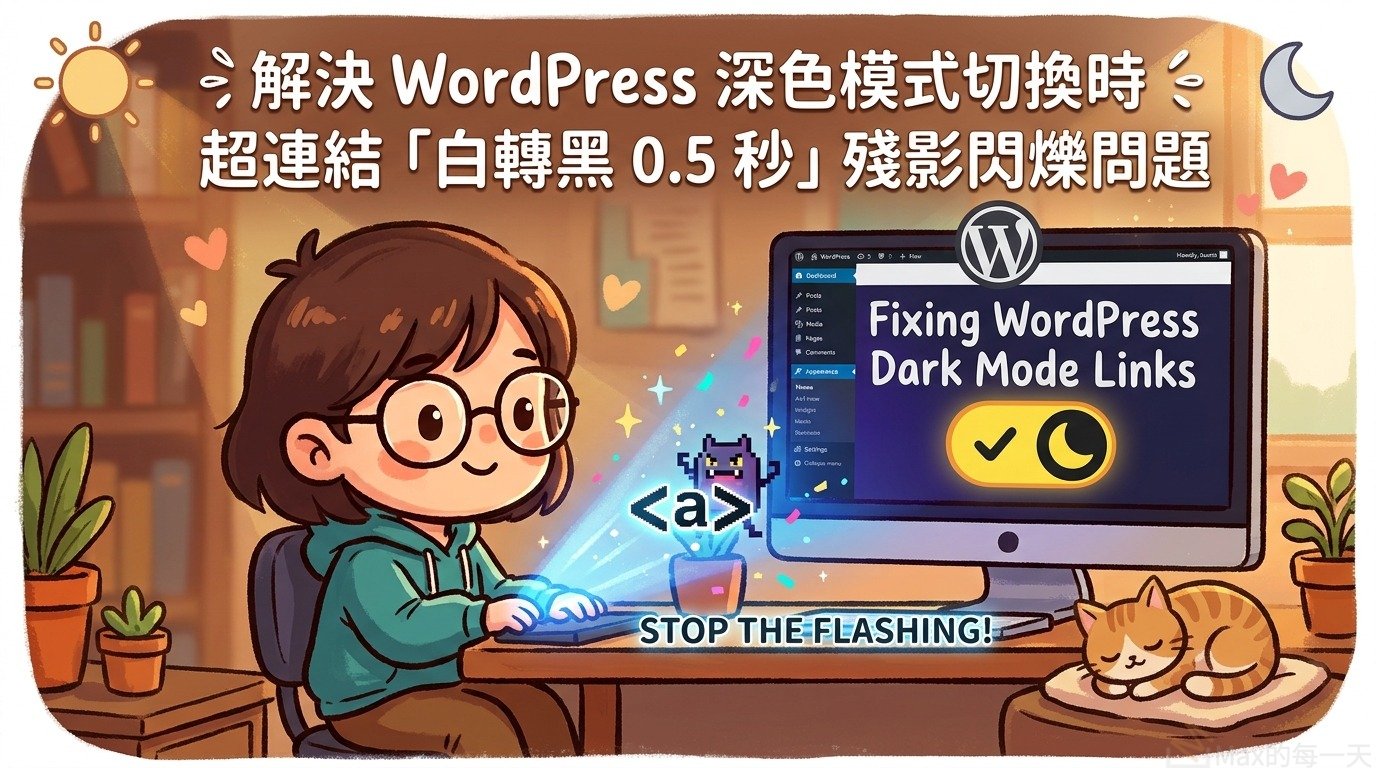
在為 WordPress 主題自訂深色模式(Dark Mode / Dark Theme)切換功能時,許多開發者常會遇到一個相當破壞使用體驗的視覺 Bug:
現象描述:
點擊切換為深色模式(或由深色轉淺色)的瞬間,頁面上的超連結(<a>)或文字區塊背景會先短暫閃出一塊白色(#ffffff),接著在約 0.5 秒的時間內才緩慢漸變過渡為黑色(#000000/#16181d)。
這並非 JavaScript 執行延遲,而是 CSS 過渡動畫(Transitions)與瀏覽器補間運算相互作用產生的典型副作用。本文將完整記錄該問題的根本成因與最佳實踐解法。
一、問題根本原因分析
這個問題主要由兩個 CSS 特性疊加造成:
1. 原生主題的 transition: all 0.5s ease; 廣泛繼承
在許多 WordPress 主題(包括 Gutenshop)的樣式表(style.css)中,為了讓按鈕與部分互動元素具備平滑動畫,常常撰寫了如下規則:
transition: all 0.5s ease;當使用 JavaScript 動態在 <body> 或 <html> 上新增/切換 .theme-dark 類別時,瀏覽器會監測到樣式變更。由於設定了 transition: all,頁面上所有繼承或套用了該規則的屬性(包含 background-color、color、border-color)都會進入 0.5 秒的漸變過渡狀態。
2. 顏色插值運算(Color Interpolation)與透明背景缺失
- 預設情況下,常規文字超連結
<a>的background-color通常是transparent(透明)或繼承父容器。 - 當深淺模式切換時,如果某些元件或祖先元素設定了背景色變換,瀏覽器在計算
transparent(實質為rgba(0,0,0,0)或rgba(255,255,255,0))至目標色(如#16181d)的中間過渡幀時,容易將未明定背景的元素以白色底(#fff)作為基底進行過渡插值。 - 結果就形成了:超連結背景突然變白,並耗時 0.5 秒慢慢過渡到黑色的突兀閃爍。
3. 首次造訪無 Cookie 時,未即時寫入使用者系統偏好
- 若使用者尚未手動點擊切換過,瀏覽器中就沒有
gutenshop_theme的 Cookie。 - 每次重新整理或跳轉頁面時,若僅依賴延遲載入的腳本偵測
prefers-color-scheme: dark,頁面在 HTML 解析初期無法從 Cookie 取得狀態,導致從預設的淺色(白)重新被腳本動態判定改為深色(黑),觸發二次切換閃爍。 - 最佳解法: 在初次載入(Page Load)偵測到無 Cookie 時,立即將使用者的 System Theme 寫入 Cookie,並在
<head>的 Anti-flicker 行內腳本同步寫入,確保下一個畫面與未來所有子頁面在 DOM 渲染前就能以 Cookie 命中深色模式,徹底杜絕閃爍。
二、解決方案
要徹底杜絕這個現象,最佳做法是「雙管齊下」:
- 切換當下全域靜音過渡(Disable Transitions during Toggle):切換主題時暫時鎖死所有 transition,讓深淺色瞬間套用,不觸發任何補間動畫。
- 約束超連結的 transition 範圍:明確鎖定
<a>的背景為透明,並限制僅有color(文字顏色)允許 hover 漸變,禁止背景參與 transition。
步驟 1:在 CSS 中加入停用過渡與連結約束規則
在你的獨立深色模式樣式檔(如 css/dark-theme.css)加入以下規則:
/* ==========================================================================
   1. 暫停過渡工具類:切換主題瞬間徹底消除 0.5 秒的顏色補間閃爍
   ========================================================================== */
.disable-transitions,
.disable-transitions *,
.disable-transitions *::before,
.disable-transitions *::after {
  -webkit-transition: none !important;
  -moz-transition: none !important;
  -o-transition: none !important;
  -ms-transition: none !important;
  transition: none !important;
}

/* ==========================================================================
   2. 超連結背景與過渡約束:
      明確限制常規連結背景為透明,且過渡僅限文字顏色 (color),防止背景補間
   ========================================================================== */
a:not(.button):not(.added_to_cart):not(.theme-switch-link) {
  background-color: transparent;
  transition-property: color;
  transition-duration: 0.2s;
}

/* 深色模式下連結文字配色 */
body.theme-dark a {
  color: #60a5fa;
}

body.theme-dark a:hover,
body.theme-dark a:focus {
  color: #93c5fd;
}
步驟 2:在切換 JavaScript 中包裝過渡阻斷邏輯
在處理主題切換的 JavaScript(如 js/theme-switch.js)的 applyTheme 函數中:
- 切換前先在根節點
<html>加上.disable-transitions。 - 透過存取
window.getComputedStyle().opacity強制觸發瀏覽器重繪(Force Reflow),保證類別立即生效且不會被瀏覽器批次合併渲染。 - 完成類別切換後,使用
requestAnimationFrame在下一個畫面幀將.disable-transitions移除,確保按鈕後續正常的滑鼠 hover 動畫不受影響。
/**
 * 套用深淺主題類別
 * @param {string} theme 'dark' 或 'light'
 */
function applyTheme(theme) {
  var isDark = (theme === 'dark');

  // 1. 立即停止當前所有 CSS 過渡動畫,防止 0.5s 白黑殘影閃爍
  document.documentElement.classList.add('disable-transitions');

  // 2. 切換深淺模式類別
  document.body.classList.toggle('theme-dark', isDark);
  document.body.classList.toggle('theme-light', !isDark);
  document.documentElement.classList.toggle('theme-dark', isDark);
  document.documentElement.classList.toggle('theme-light', !isDark);

  // 3. 強制觸發重繪 (Reflow),確保樣式變更在 transition 被關閉的狀態下生效
  window.getComputedStyle(document.documentElement).opacity;

  // 4. 下一個渲染週期恢復原本的 CSS 過渡效果(按鈕 hover 等仍維持流暢動畫)
  requestAnimationFrame(function () {
    document.documentElement.classList.remove('disable-transitions');
  });

  // 5. 同步切換按鈕的 aria 屬性與提示文字
  var links = document.querySelectorAll('.theme-switch-link');
  links.forEach(function (el) {
    el.title = isDark ? '切換至淺色模式' : '切換至深色模式';
    el.setAttribute('aria-pressed', isDark ? 'true' : 'false');
  });
}

/**
 * 頁面初始化:當無 Cookie 時,立即將使用者的系統主題 (OS Theme) 寫入 Cookie
 */
function init() {
  var saved = getCookie(COOKIE_NAME);
  var currentTheme;

  if (saved === 'dark' || saved === 'light') {
    currentTheme = saved;
  } else {
    // 首次造訪無 cookie:抓取系統主題並立即寫入 cookie,避免二次載入或跳轉時重複判斷而閃爍
    currentTheme = getSystemTheme();
    setCookie(COOKIE_NAME, currentTheme, COOKIE_DAYS);
  }

  var isDark = (currentTheme === 'dark');
  applyTheme(currentTheme);
  injectDesktopToggle(isDark);
  injectMobileToggle(isDark);
  document.addEventListener('click', handleClick);
  watchOSTheme();
}
步驟 3:在 Head 注入極速防閃爍腳本並更新版本號
在 functions.php 的 wp_enqueue_scripts 中:
- 注入極速 Inline 腳本:若初次無 Cookie,亦立即將系統主題寫入 Cookie 並先加上
theme-dark類別,在 HTML 剛載入時就完成判定。 - 推進樣式表與腳本版本號(例如
1.0.1/1.0.3),避免瀏覽器快取舊檔案:
// functions.php
wp_register_style(
    'gutenshop-dark-theme',
    get_template_directory_uri() . '/css/dark-theme.css',
    array( 'gutenshop-style' ),
    '1.0.1'
);
wp_enqueue_style( 'gutenshop-dark-theme' );

// 防閃爍腳本:搶先注入 <html>,若無 cookie 則同步寫入系統主題 cookie
$anti_flicker_js = "(function(){try{var m=document.cookie.match(/(^|;\\s*)gutenshop_theme=([^;]+)/);var t=m?decodeURIComponent(m[2]):null;var d=(window.matchMedia&&window.matchMedia('(prefers-color-scheme: dark)').matches)?'dark':'light';var theme=t||d;if(!t){var exp=new Date();exp.setTime(exp.getTime()+(365*24*60*60*1000));document.cookie='gutenshop_theme='+encodeURIComponent(d)+'; expires='+exp.toUTCString()+'; path=/; SameSite=Lax';}if(theme==='dark'){document.documentElement.classList.add('theme-dark');}}catch(e){}})();";
wp_add_inline_script( 'gutenshop-navigation', $anti_flicker_js, 'before' );

wp_register_script(
    'gutenshop-theme-switch',
    get_template_directory_uri() . '/js/theme-switch.js',
    array( 'gutenshop-custom-js-jquery' ),
    '1.0.3',
    true
);
wp_enqueue_script( 'gutenshop-theme-switch' );
三、成果驗證
套用此修改後:
- 點擊深淺模式切換按鈕:背景與所有文字立刻無縫切換,完全不再出現 0.5 秒的白色閃爍與變色殘影。
- 一般互動不受影響:一般的按鈕 hover、下拉選單滑動等原有動畫依然正常流暢運作。
- 效能優化:利用強制 Reflow 配合
requestAnimationFrame,不會造成頁面重載或多餘運算開銷。